
前回、Ctrl+PrintScreen でアクティブなウィンドウをキャプチャする | Moonmile Solutions Blog を書いている時に、あらかじめ指定したウィンドウの画面キャプチャをする、というのも書いたので晒しておきます。
どうも CopyFromScreen を使ったり、hDC を使って画面キャプチャをすると、Visual Studio 2010 のメニューがキャプチャできないんですよね…仕方がないので、SendKeys クラスを使ってキーエミュレートをします。
キャプチャ画面はこんな感じ。メインウィンドウに乗っている場合、そのままキャプチャします。
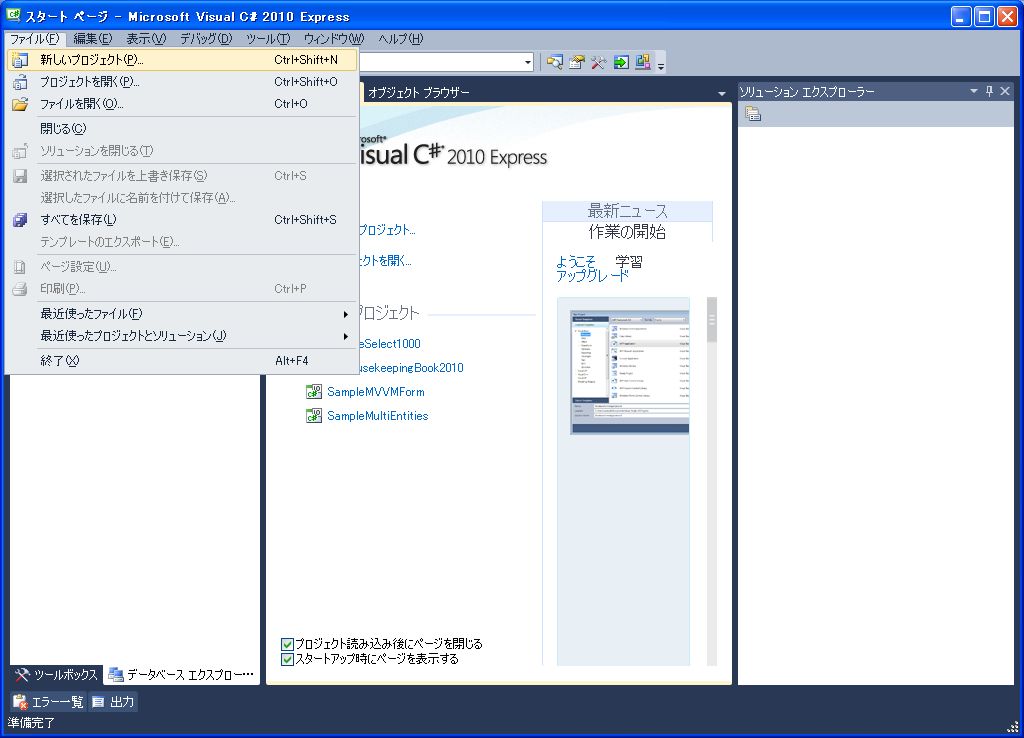
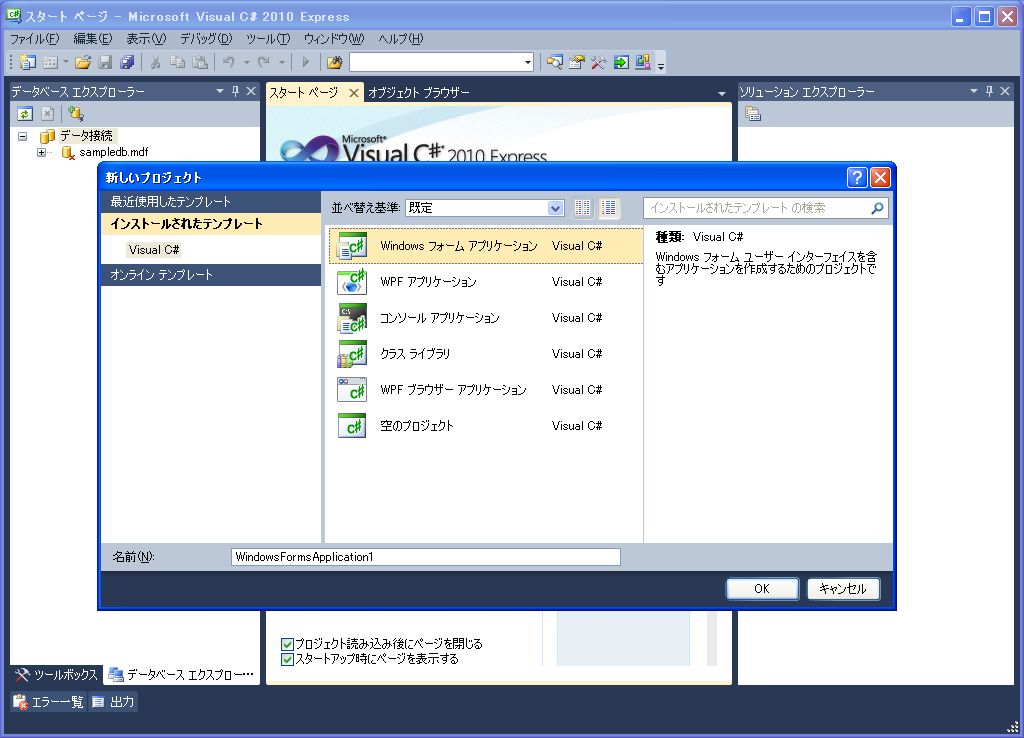
■メインウィンドウを持つプロセスの一覧を取得
まずは、ウィンドウを持つプロセス一覧を取って、hWnd を保存しておきます。
///
/// プロセス一覧を取得
///
/// <param name="sender" />
/// <param name="e" />
private void button3_Click(object sender, EventArgs e)
{
    listBox1.Items.Clear();
    foreach (Process p in Process.GetProcesses())
    {
        if (p.MainWindowHandle != IntPtr.Zero)
        {
            Debug.Print(p.MainWindowTitle);
            ProcessWin pw = new ProcessWin();
            pw.Title = p.MainWindowTitle;
            pw.hWnd = p.MainWindowHandle;
            listBox1.Items.Add(pw);
        }
    }
}
■リストで選択してキャプチャ
///
/// Window Proc のオーバーライド
///
/// <param name="message" />
protected override void WndProc(ref Message message)
{
    if (message.Msg == WM_HOTKEY && (int)message.WParam == HOTKEY_ID)
    {
        if (checkBox1.Checked == false)
        {
        	// PrtSc キーを送信
            SendKeys.SendWait("^{PRTSC}");
            return;
        }
        else
        {
            if (listBox1.SelectedIndex == -1) return;
            ProcessWin pw = (ProcessWin)listBox1.SelectedItem;
            Bitmap bmp = WindowCapture(pw.hWnd);
            Clipboard.SetImage(bmp);
            return;
        }
    }
    base.WndProc(ref message);
}
///
/// 指定したウィンドウをキャプチャ
///
///
private Bitmap WindowCapture( IntPtr hWnd )
{
    IntPtr hDC = GetWindowDC(hWnd);
    //ウィンドウの大きさを取得
    RECT rect = new RECT();
    GetWindowRect(hWnd, ref rect);
    Bitmap bmp = new Bitmap(rect.right - rect.left, rect.bottom - rect.top);
    // キーエミュレート
    SendKeys.SendWait("^{PRTSC}");
    Application.DoEvents();
    Image img = Clipboard.GetImage();
    if (img != null)
    {
    	// クリップボードから指定画面を切り取る
        Graphics g = Graphics.FromImage(bmp);
        g.DrawImage(img, -rect.left, -rect.top);
    }
    return bmp;
}
これをホットキーの【Ctrl】+【PrtSc】に設定しておけば ok です。